
Brother
Price is inclusive of GST (18%)
Sign in to get a price-drop alertSign in to request a quote for this product.
Sign in to see coupons you can use on this order.
Sign in to ask a question about this product.
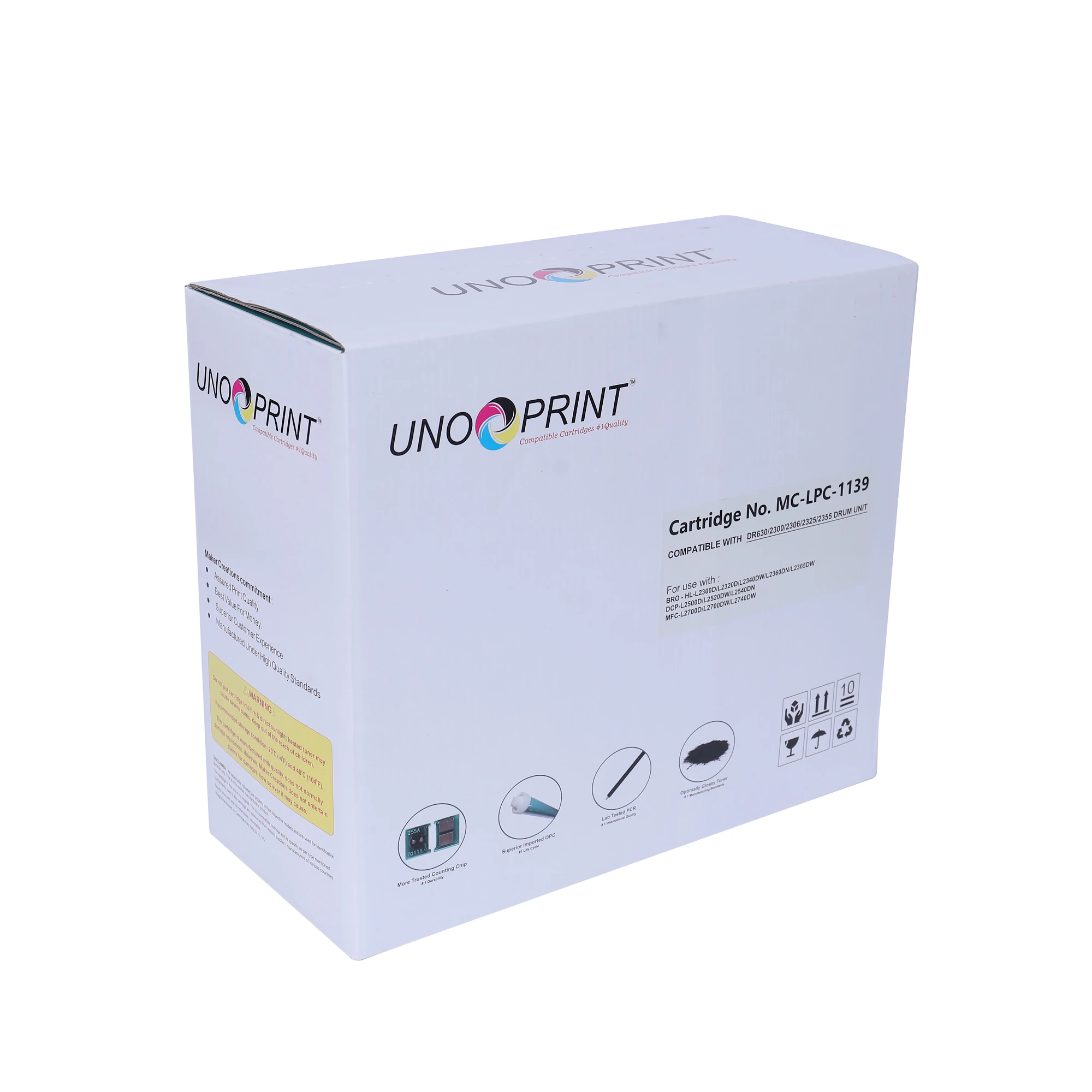 UNO PREM T-CART BRO DR630/2300/2306/2325/2355/2356/2365 DRUM UNIT (Shell A/C)This product | 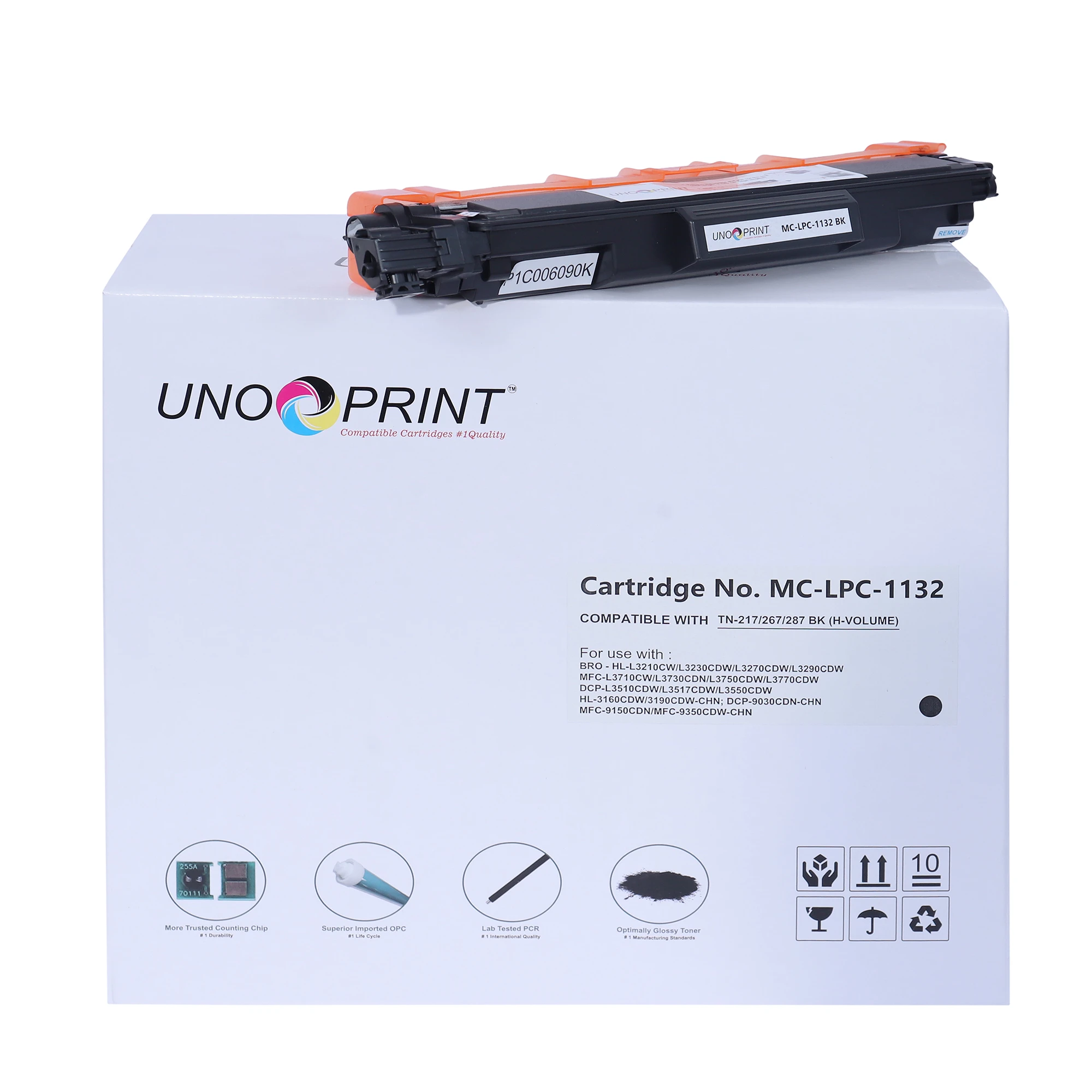 UNO PREM T-CART NO CHIP BRO TN-217/267/287 BK (H-VOLUME) | 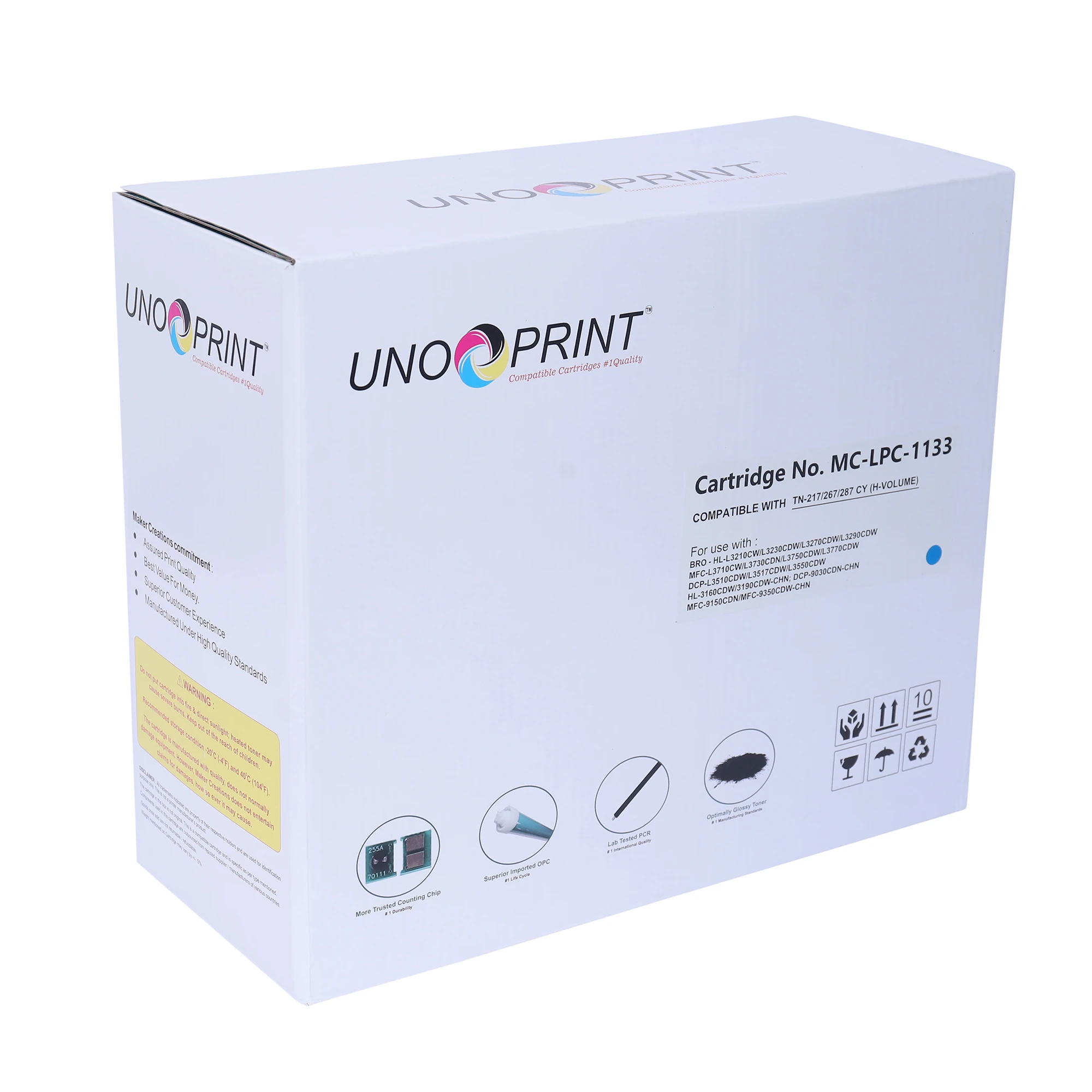 UNO PREM T-CART NO CHIP BRO TN-217/267/287 CY (H-VOLUME) | 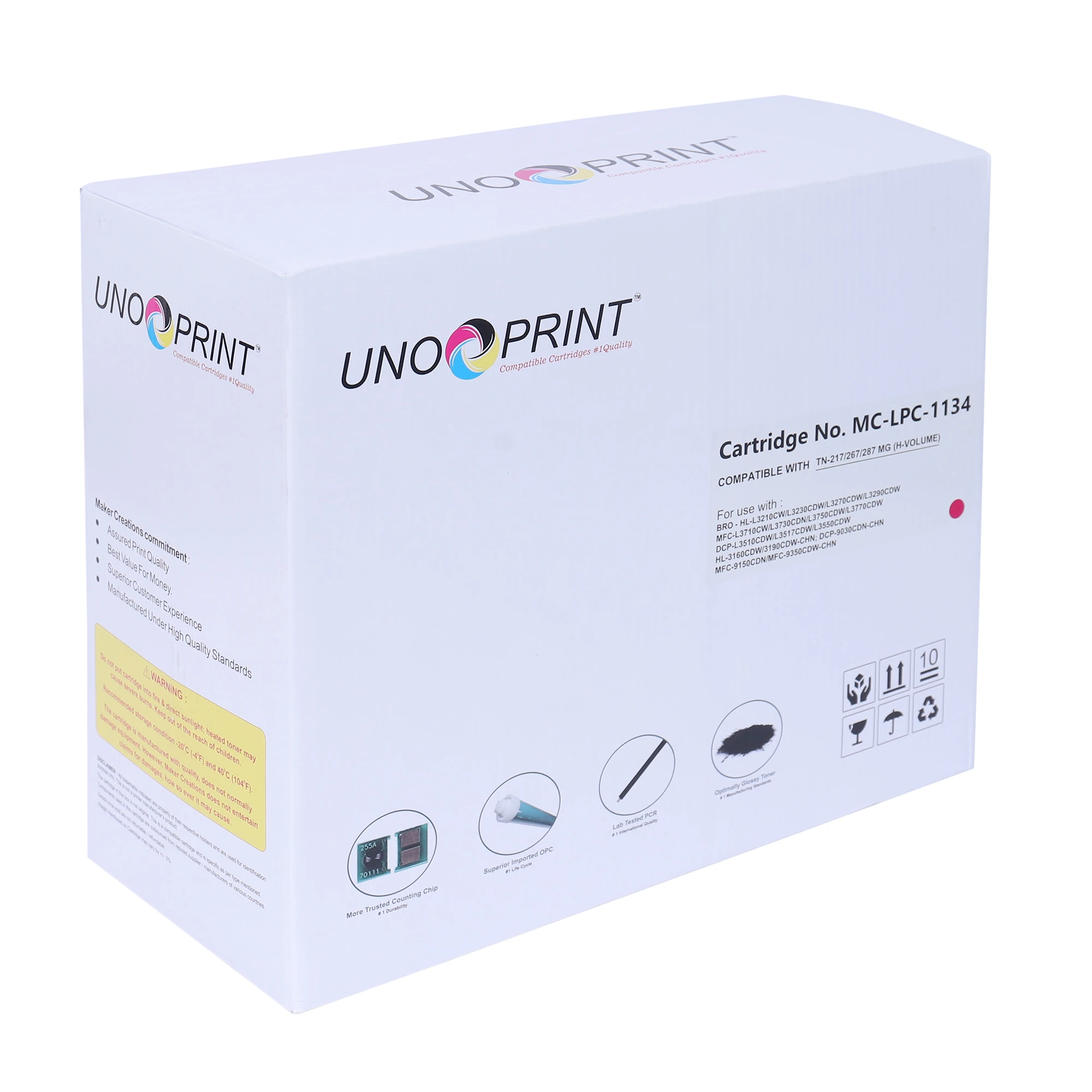 UNO PREM T-CART NO CHIP BRO TN-217/267/287 MG (H-VOLUME) | |
|---|---|---|---|---|
| Price | ₹2,672.00 · lowest | ₹2,864.00 | ₹2,864.00 | ₹2,864.00 |
| Rating | No reviews yet | No reviews yet | No reviews yet | No reviews yet |
| Availability | In stock | In stock | In stock | In stock |