| Print Speed | 28 Cpm |
| Functions | Multi-Function |
| Supported Paper Size | A5,A3 |
| Supported OS | Windows 8 |
| Model Name/Number | C287i |
| Color Output | Multi Colored, Black & White |
| Number Of Trays | 2 |
| Item Color | Black |
| Weight | 56.5 Kg |
| Print Technology | Laser |
| Input Tray Capacity | 2(250 Sheets Each) |
| Warm-Up Time | Approx 20 Sec |
| Resolution | 600 x 600 dpi |
| Processor Speed | TCP/IP (FTP; SMB; SMTP; WebDAV) (IPv4/IPv6) |
Description:
High resolution colour print up to 28 ppm, Simplex scanning up to 55 ipm, Mobile print support with access point capability, Max paper capacity of 3,600 sheets, Intuitive operability – Operate the bizhub like a smartphone or tablet with fully customized user interface, Secure network integration, data encryption, HDD overwrite, and advanced user authentication, Enhanced efficiency with Konica Minolta’s extensive applications portfolio.
Simplifying work
The User Interface has been completely revamped with an operation panel screen with smart-device-style operability. Operation has been simplified by narrowing down functions and screen transitions to frequently-used functions.
Easy-to-use, new operation panel design
The operation panel features a new simple GUI (Graphical User Interface) design. Features including no hard keys and panel vibration feedback reflect familiar smart devices and enable easy use of a variety of IT services. Simplicity of operation has been achieved by concentrating on frequently-used functions to minimise functions and screen transitions.
Large, user-friendly, 7-inch touch panel
The 7-inch panel has been newly developed from the customer’s perspective. It delivers better legibility and ease of operation for enhanced work efficiency. The multi-touch feature enables smooth, intuitive, tablet-like operation.
GUI operation panel with a choice of two panel styles
The user can switch between two panel styles as required: the new GUI Basic Style characterised by simple operation, and the conventional Classic Style utilising advanced settings and functions. Basic Style also offers an intuitive Simple Copy screen.
Make tasks simple with purpose-specific apps
The bizhub C287i series simplifies operation with on-screen animated instructions that guide users through tasks. Operations can be performed smoothly in just a few easy steps.
Card shot for ID card copying
Both front and back sides of an ID card can be copied on one sheet of paper in just a few easy steps.
Booklet making
For users who want to create booklets such as magazines.
Non-image area erase function
For users who want to copy with the document cover open, and/or want to omit the shadowy areas around the scanned images of things such as books.
Indicator lights
The bizhub C287i series has been installed with a new LED light that gently harmonises with the office environment. The LED is located for good visibility and indicates data receipt or accumulation. It is designed to be easily visible when users forget to collect documents from the output tray.
Thorough Protection of Office Information
Data security is an ongoing concern in the corporate world. Konica Minolta works tirelessly to keep clients’ documents secure, in both digital and paper formats. By including cutting edge security functions in all Konica Minolta technologies, we aim to reduce the burden on IT administrators.
Use PC login user names for easy secure printing
The PC login profile can be used as an ID for secure printing, so the user can print easily and securely once logged in without the trouble of entering his or her ID each time.

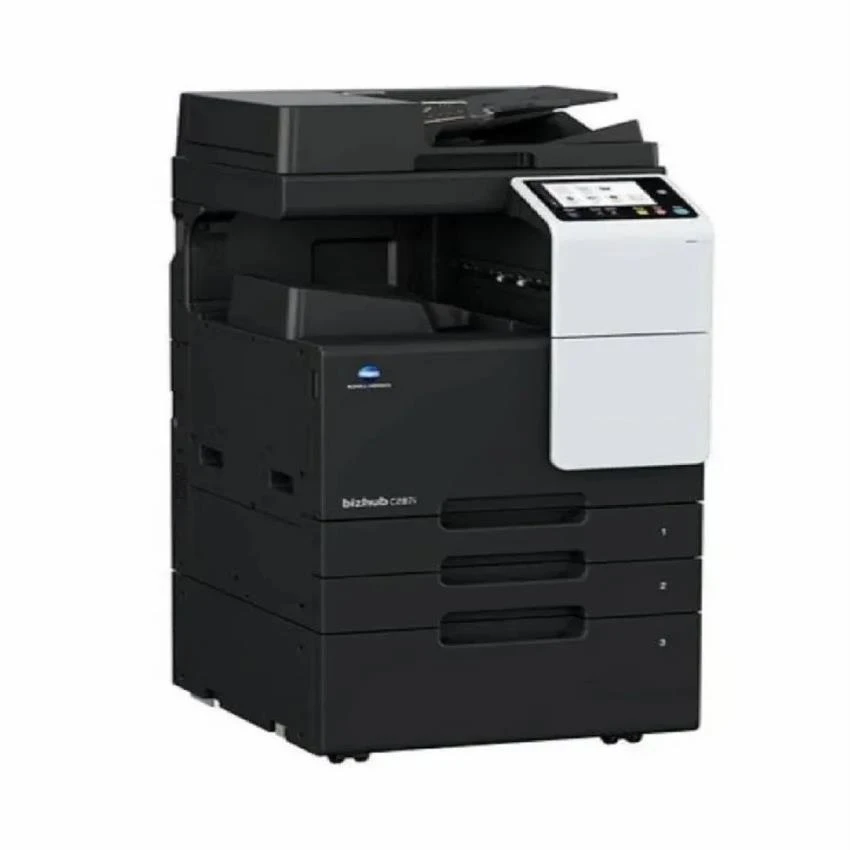 Laser Konica Minolta C287i Colour Printer, For Office, Black & WhiteThis product
 Konica Bizhub C251i Colour Multi Function Device - Max Paper Size: A3
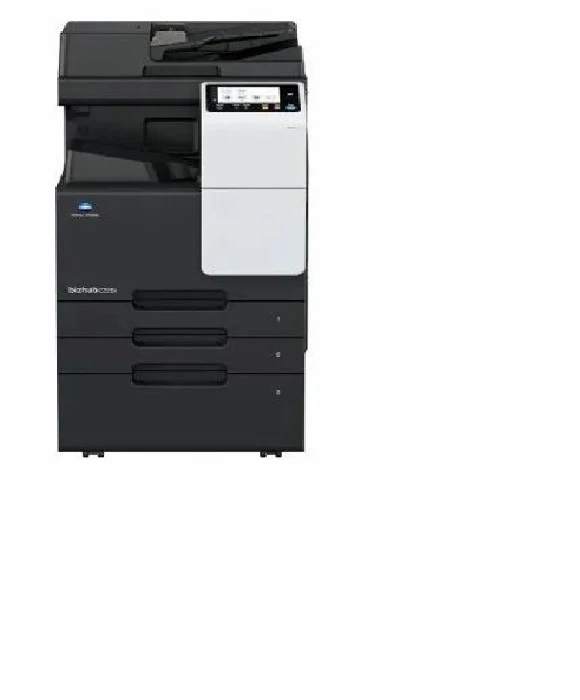 Konica Minolta bizhub C266i A3 Color Multifunction Printer
 Konica Minolta Bizhub C301i